
AI Integration
Soterre DevOps Analytics integrates with various AI providers to enhance and augment your development experience.
WARNING
AI Integration is available for Qlik Sense/Cloud.
TIP
Navigate to AskAI page for use cases and tutorials.
Configure AI Integration
Navigate to the Soterre DevOps Analytics Options > find Integrations tab:
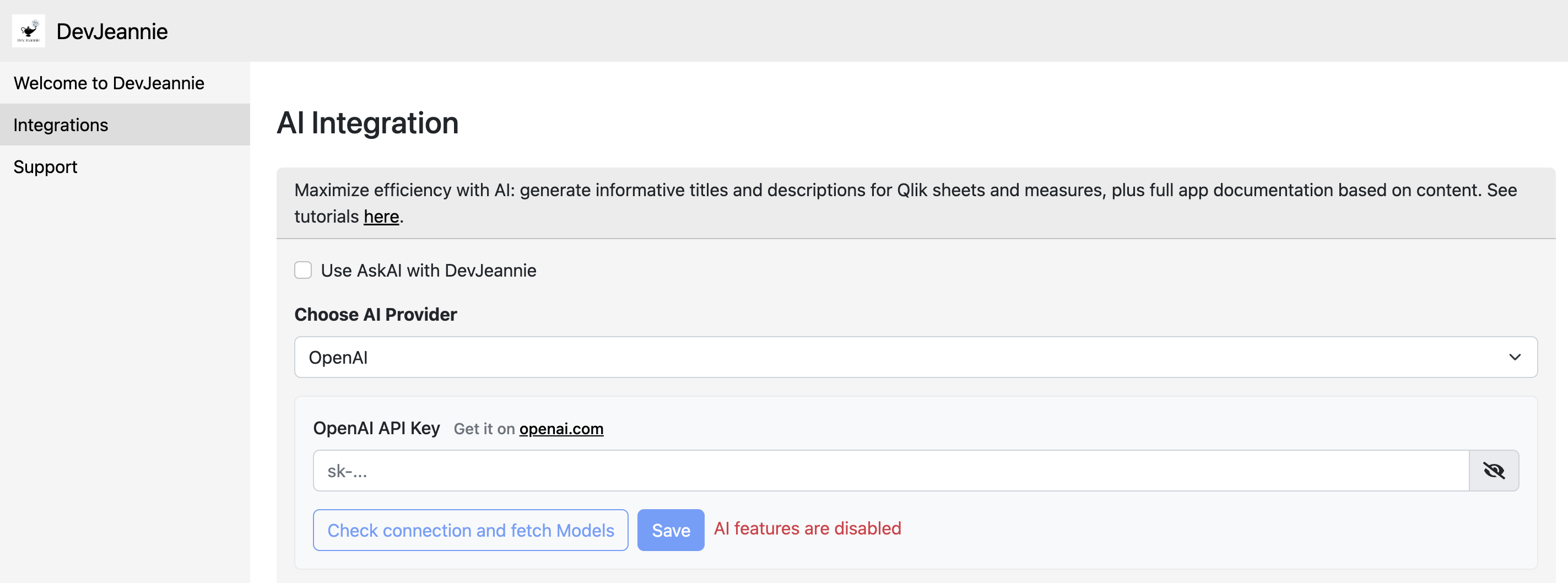
Soterre DevOps Analytics Options: Integrations
Choose AI Provider
Enable Use AskAI with Soterre DevOps Analytics and choose AI Provider from the list of available options:
- Open AI
- Google Gemini
- Claude AI

Soterre DevOps Analytics Options: Integrations. Choose AI Provider
Input your API token and choose the model
Input your API key and click on Check connection and fetch Models . You may choose any model from a given provider from the dropdown below.
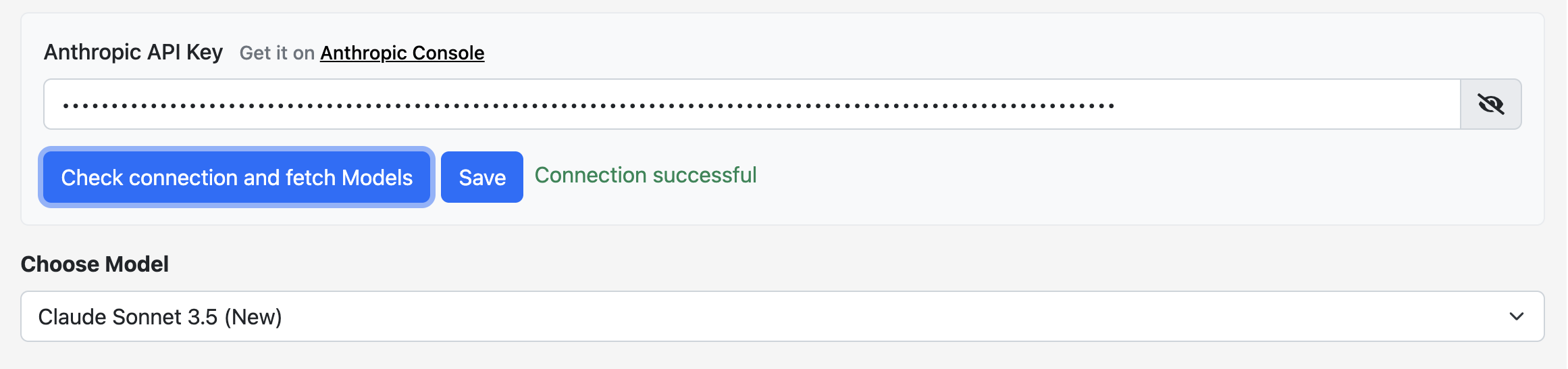
Soterre DevOps Analytics Options: Integrations. Input API key
Click Save.
Prompt Options
Every request sent to AI from Soterre DevOps Analytics can be validated if you choose to show confirmation window before clicking on AskAI button within Soterre DevOps Analytics. If you don't want to review the request, select Do not show confirmation window before sending data to AI provider .
Prompt Options reveals all default prompts set within Soterre DevOps Analytics for a variety of Ask AI use cases. You can change any prompt to satisfy your specific requirements and click Save.
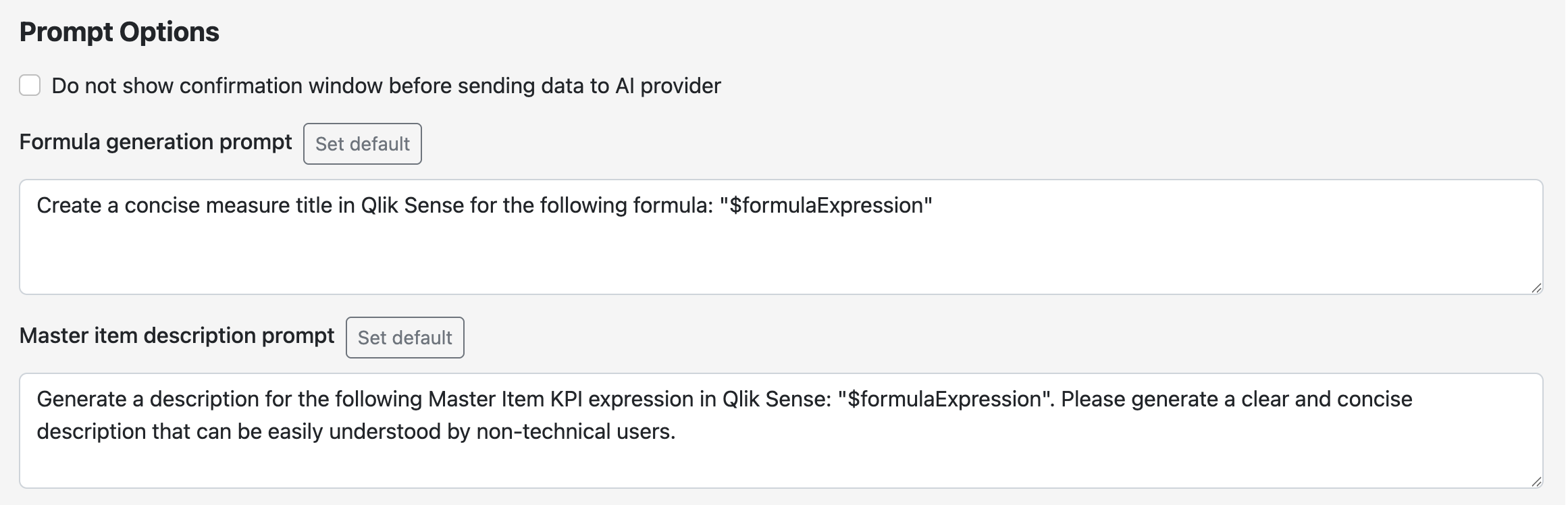

Soterre DevOps Analytics Options: Integrations. Prompt Options