
Tags Manager
Tags Manager is a feature that controls the intention of Qlik Sense sheets to be published in Qlik Cloud.
INFO
Available for Qlik Cloud.
TIP
Make sure to have Soterre Helper turned on.
Find Tags Manager in Qlik Cloud
Navigate to the App Overview in Qlik Cloud > select Tags Manager.
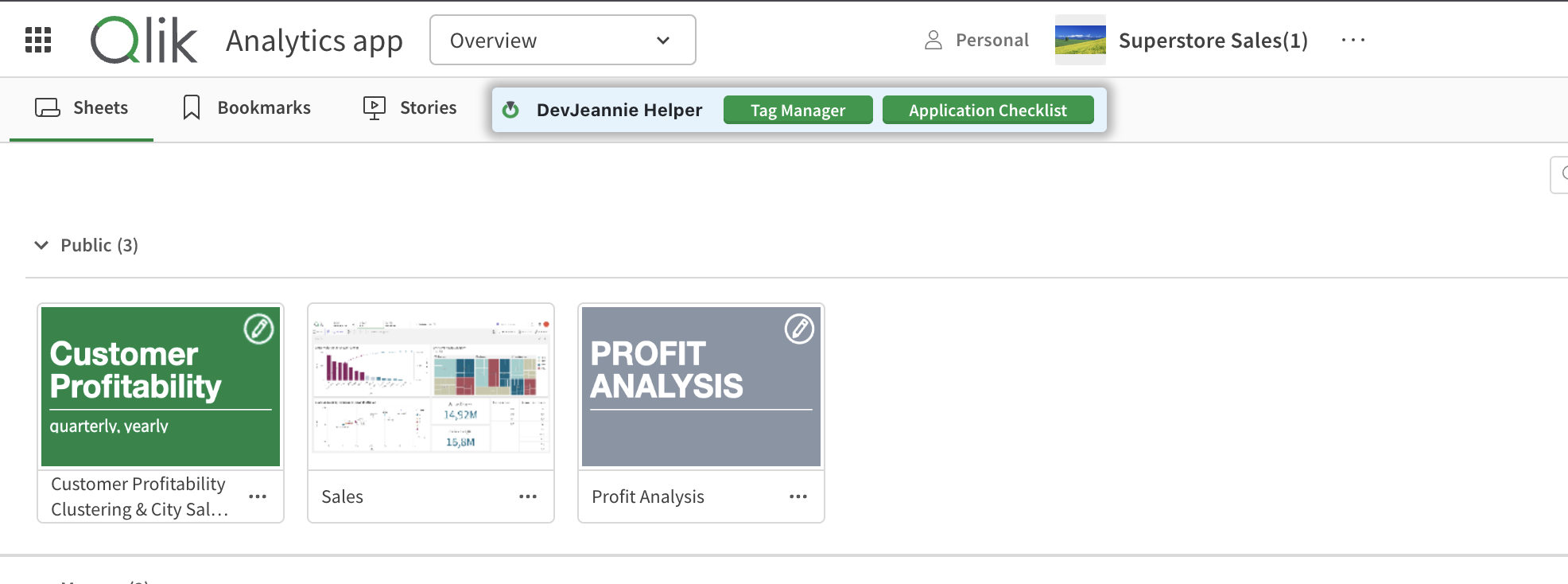
Soterre Helper: Tags Manager
Set tags for your sheets
Through Tags Manager in App Overview
You can see all the current app sheets displayed in the opened modal window. Columns Tag and Published reflect the status of the sheet and whether the sheet is published correspondingly.
.png)
Soterre Helper: Tags Manager
There are three tags options you can set for your sheets:
- Private
- Not set
- Public
For example, if the private sheet is tagged Public, Soterre DevOps Analytics will identify the discrepancy and highlight the Published checkmark next to the sheet.
TIP
If you check the box your current sheet will be published.
.png)
Tags Manager: three sheet tag options
Through Tags Manager in Sheets Menu
Navigate to Sheets menu > Tags Manager and select an option to tag your sheet (private/public). To view a detailed Tags Manager menu, visit Tag Manager through the App overview.
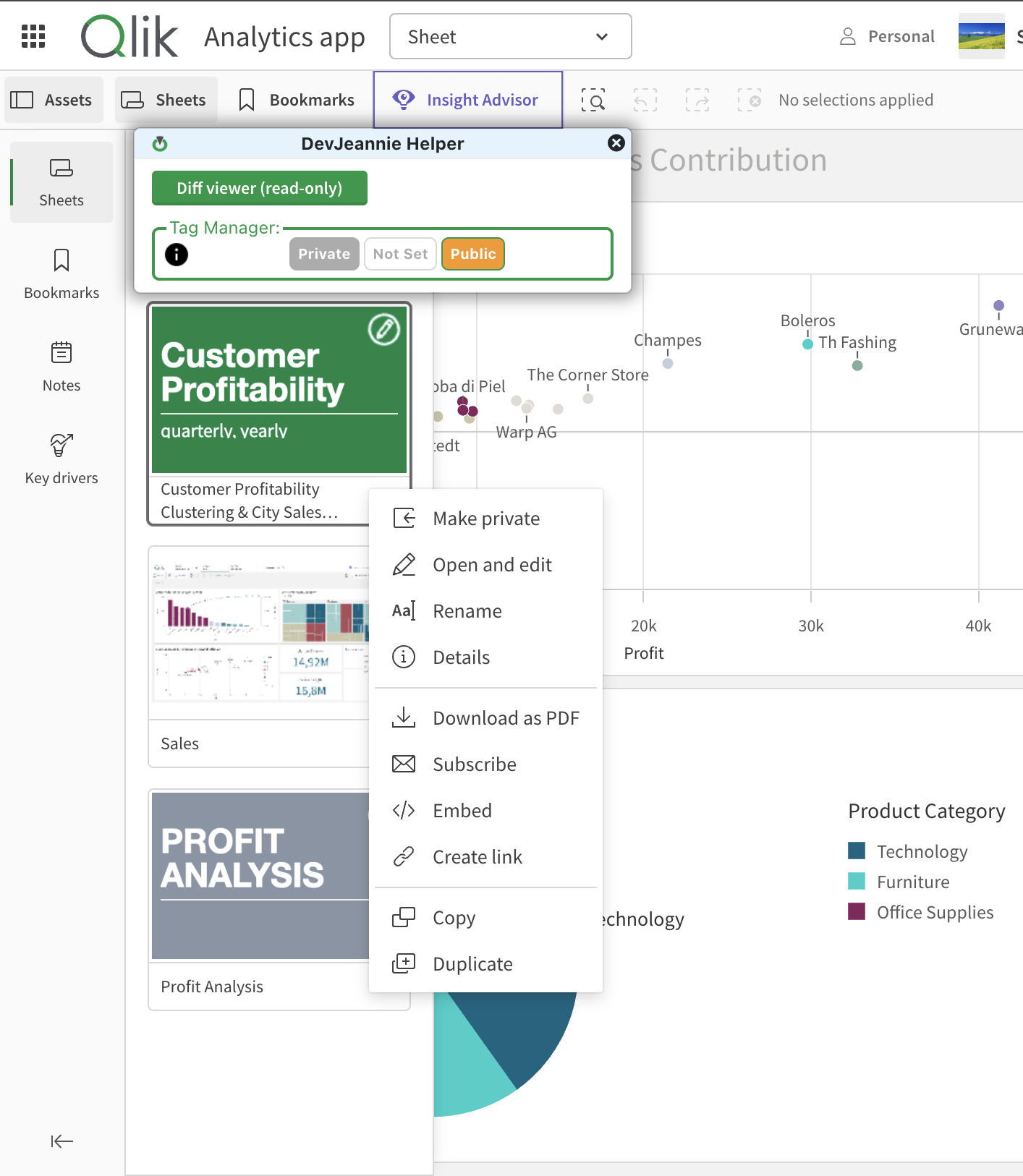
Tag Manager through Sheets overview
Get notified before you publish
When you publish your Qlik app through Soterre DevOps Analytics , you are going to be notified about having sheets with a Public tag unpublished and suggested to publish them:
.png)
Soterre DevOps Analytics Tags Manager notifies you to published sheets